
What Converting a Legacy PowerPoint or Flash Training Library to Rise 360 Really Involves
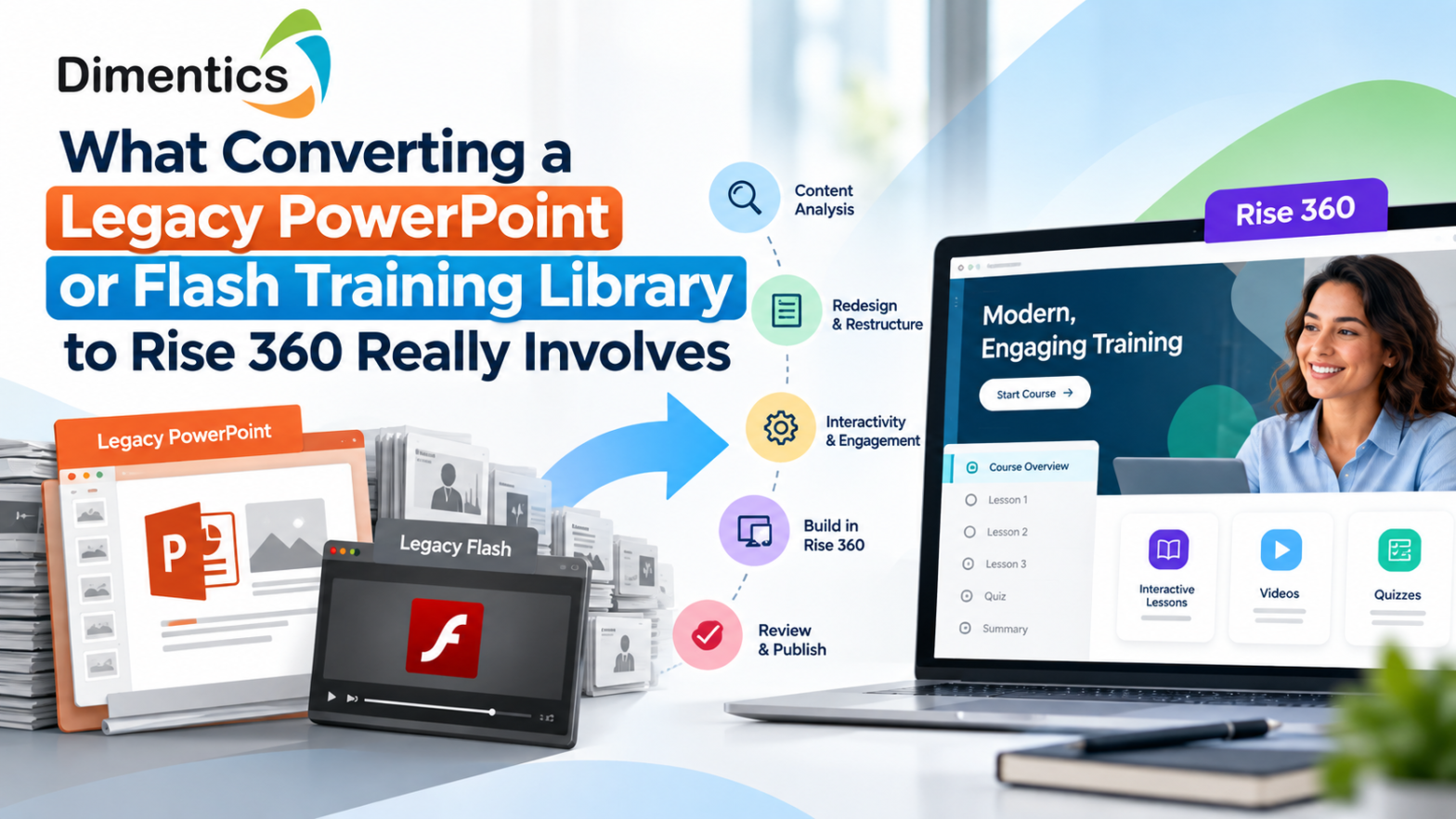
Many organizations have accumulated years of valuable training content in PowerPoint presentations, Flash-based courses, older authoring tools, PDFs, and outdated eLearning platforms. The content may still contain useful knowledge, but the technology, design, accessibility, and learner experience may no longer meet modern expectations.
This is why organizations are increasingly asking: What does converting a legacy PowerPoint or Flash training library to Rise 360 really involve?
The answer is more complicated than simply transferring slides into a new authoring tool. A successful migration requires content analysis, instructional design, visual restructuring, accessibility improvements, interaction development, quality assurance, and careful testing.
With the right approach, organizations can transform outdated training libraries into modern, responsive, engaging, and maintainable learning experiences using Articulate Rise 360.
Why Legacy Training Content Needs Modernization
Legacy training libraries often contain valuable subject-matter expertise, but they can have significant limitations.
Older PowerPoint-based training may have been designed primarily for instructor-led sessions rather than self-paced learning. Flash-based courses can also depend on technologies that are no longer suitable for modern browsers and devices.
Common problems include:
- Outdated visual design
- Poor mobile responsiveness
- Long blocks of text
- Limited learner interaction
- Inaccessible content
- Outdated examples and references
- Broken multimedia
- Difficult maintenance
- Compatibility issues with modern systems
- Inconsistent branding across courses
Simply preserving the original content does not solve these problems. Migration provides an opportunity to retain valuable knowledge while redesigning the learner experience for today’s digital environment.
PowerPoint to Rise 360 Is Not a Simple File Conversion
One of the most important things organizations should understand is that PowerPoint cannot simply be uploaded into Rise 360 as a finished Rise course. Articulate’s community guidance explains that Rise courses are built around lessons and content blocks rather than traditional presentation slides.
Therefore, converting PowerPoint training into Rise 360 usually involves rebuilding the material.
The original presentation should be treated as a source document, not as the final course structure.
For example, a 50-slide presentation might contain:
- 10 slides introducing a topic
- 15 slides containing instructional information
- 10 slides with examples
- 5 knowledge-check slides
- 5 discussion prompts
- 5 summary or reference slides
Instead of reproducing those 50 slides, an instructional designer can reorganize them into lessons, sections, scenarios, interactive blocks, knowledge checks, and concise explanations.
The objective is not to make the PowerPoint look like Rise 360. The objective is to make the learning experience work better.
What Happens During a Legacy Content Migration?
A professional migration normally happens through several stages.
1. Content Audit and Discovery
The first step is reviewing the existing library.
The migration team identifies which courses should be:
- Migrated as-is
- Rewritten
- Redesigned
- Combined with other modules
- Retired
- Rebuilt with new interactions
This stage also identifies outdated information, duplicate content, missing source files, broken media, and content that requires subject-matter-expert review.
For a large training library, this audit can prevent organizations from spending money rebuilding content that no longer provides meaningful value.
2. Instructional Design Transformation
A PowerPoint presentation is usually designed around a presenter. A Rise 360 course is designed around the learner.
That means instructional designers need to rethink how information is delivered.
Instead of a slide containing several paragraphs, the information could become:
- An interactive accordion
- A labeled graphic
- A process block
- A scenario
- A knowledge check
- A timeline
- A flashcard activity
- A short video
- A comparison interaction
Articulate recommends using existing presentation material as a starting point while rethinking how learners interact with the information in Rise 360.
This is where instructional design expertise becomes particularly important.
3. Visual and Brand Modernization
Legacy training often contains inconsistent fonts, outdated graphics, low-resolution images, and old branding.
During migration, these elements can be standardized.
A modern Rise 360 course can incorporate:
- Updated brand colors
- Consistent typography
- Modern illustrations
- High-quality images
- Improved layouts
- Consistent navigation
- Responsive content presentation
The goal is to make the entire training library feel like one cohesive learning ecosystem.
4. Rebuilding Interactions
Legacy courses may contain interactions that cannot simply be transferred to Rise 360.
These interactions need to be redesigned using appropriate Rise blocks or, where necessary, complementary authoring approaches.
For example, a legacy click-based activity could become a scenario-based exercise where learners make decisions and receive feedback.
This is more than technical conversion. It is experience redesign.
5. Accessibility Remediation
Accessibility should be considered during migration rather than treated as a final checklist.
Training organizations increasingly need learning content that can be accessed by learners with different abilities and assistive technologies.
A modernization project can address areas such as:
- Keyboard navigation
- Accessible text structure
- Alternative text
- Color contrast
- Captions and transcripts
- Accessible interactions
- Clear instructions
- Screen-reader considerations
For organizations operating in regulated environments, accessibility can be a major component of the migration strategy.
Dimentics provides accessibility remediation and supports WCAG 2.1/2.2 AA requirements, along with accessibility reporting such as VPAT/ACR where appropriate.
What Happens to Flash-Based Training?
Flash-based training requires a different approach because the original technology may no longer be usable.
Rather than attempting to preserve the obsolete technical framework, organizations can extract the valuable learning content, instructional structure, graphics, scripts, assessments, and media from the legacy course and rebuild the experience using modern technologies.
The process may include:
- Reviewing the existing Flash course
- Extracting available source assets
- Identifying learning objectives
- Recovering instructional content
- Recreating interactions
- Updating outdated information
- Rebuilding the course
- Applying accessibility requirements
- Testing the final output
This approach allows organizations to preserve institutional knowledge without carrying obsolete technology into the future.
Testing Is a Critical Part of the Migration
A course is not finished when the development team completes the build.
A professional migration should include quality assurance across multiple areas.
Testing can cover:
- Content accuracy
- Functionality
- Navigation
- Interactive elements
- Links
- Multimedia
- Mobile responsiveness
- Accessibility
- Branding
- Assessment scoring
- LMS behavior
- Completion tracking
For organizations migrating hundreds of courses, a standardized QA process is particularly important because even small inconsistencies can multiply across a large catalogue.
Why Organizations Should Work With an Experienced Migration Partner
Large-scale migration can quickly become difficult for an internal L&D team.
Teams may have subject-matter experts, trainers, instructional designers, developers, and accessibility specialists working across different projects. Managing a large modernization program internally can also take significant time away from ongoing training development.
This is where a specialist partner can help.
Dimentics provides eLearning development, legacy content migration, Articulate Storyline and Rise 360 development, instructional design, and accessibility solutions for organizations modernizing their learning libraries. Dimentics specifically supports migration from legacy tools while preserving instructional intent and improving responsiveness, interactivity, and accessibility.
Organizations can explore Content Migration to Storyline/Rise as part of their modernization strategy, particularly when migrating large libraries built with Flash, older Articulate versions, Captivate, or other discontinued authoring technologies.
The Real Value of Moving to Rise 360
The biggest benefit of migration is not simply having a newer authoring platform.
It is the opportunity to rethink the entire learning experience.
A successful modernization project can help organizations create training that is:
- Easier to maintain
- More engaging
- More accessible
- Better suited to mobile learners
- Consistent across the training library
- Easier to update
- More aligned with current branding
- Better prepared for future learning requirements
Modernization can also create a more sustainable development workflow for organizations that need to continuously update and expand their training catalogue.
Final Thoughts
Converting a legacy PowerPoint or Flash training library to Rise 360 really involves much more than copying old content into a new platform.
It is a structured modernization process involving content auditing, instructional design, visual redesign, interaction development, accessibility remediation, responsive design, LMS considerations, and quality assurance.
Organizations should therefore approach migration as a learning transformation project, not simply a technical conversion.
With an experienced partner such as Dimentics, businesses, publishers, EdTech companies, and L&D teams can turn legacy training assets into modern, scalable, accessible, and learner-focused eLearning experiences.
If your organization has a large collection of outdated PowerPoint, Flash, Captivate, or legacy eLearning courses, now may be the right time to evaluate which content should be retained, redesigned, migrated, or retired.
Latest Blog
- Curriculum Mapping Services for U.S. Schools and Educational Publishers
- How to Reduce Corporate Training Costs Without Compromising Learning Quality
- How to Create Interactive Digital Textbooks for K–12 Publishers in the USA
- Scenario-Based Learning Development Services for Corporate Training
- How eLearning Solutions Help Businesses Improve Employee Training and Performance